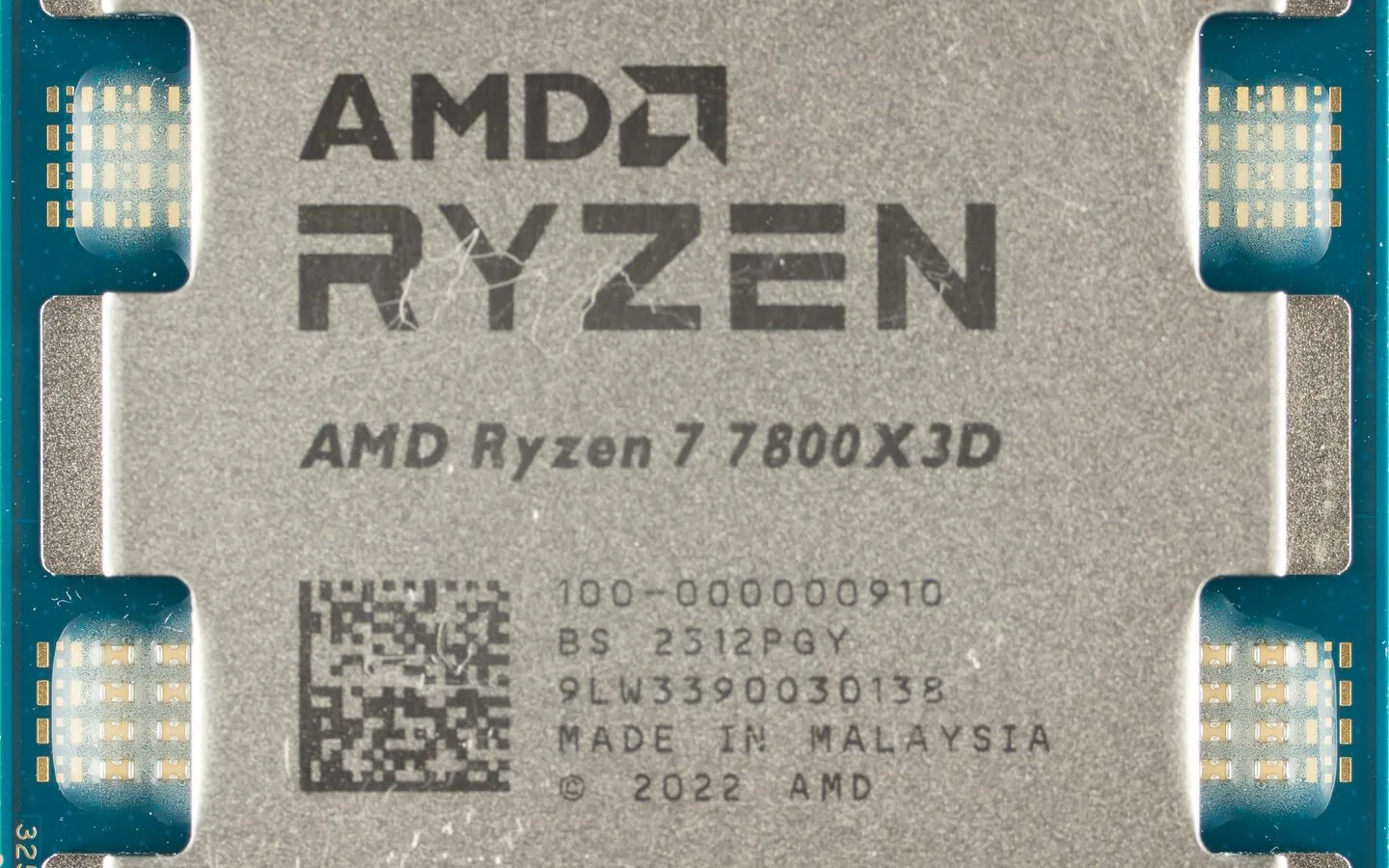
AMD sells near-identical Ryzen processors that differ mainly by a giant slab of 3D-stacked cache. The “X3D” chips stack extra L3 cache directly on the processor, and they have become the default recommendation for gaming PCs. But they clock lower and cost more than their non-X3D siblings. Here is who should buy one and who should save, with the verified specs and current US prices to back the call.
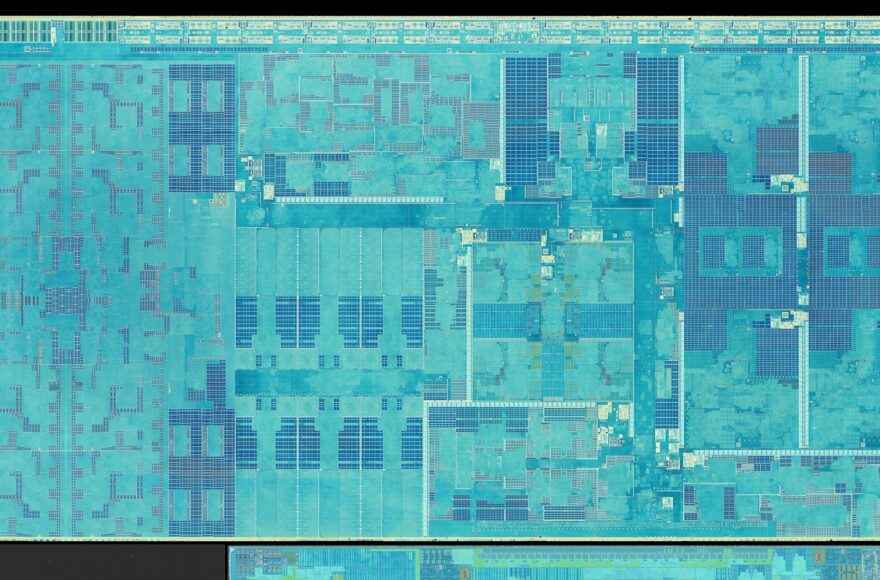
At the center of the choice is a technology called 3D V-Cache. As Tom’s Hardware explained in its Ryzen 7 5800X3D review, 3D V-Cache uses hybrid bonding to fuse an additional SRAM cache die vertically on top of the compute chiplet, tripling the amount of L3 cache per Ryzen die. On the 5800X3D that meant stacking an extra 64 MB of 7 nm SRAM on top of the existing 32 MB, for a 96 MB total. More cache means the CPU has to make fewer trips to slower system memory, which is exactly what many games reward.
What 3D V-Cache actually is
Think of on-chip cache as a small, very fast holding area. When a workload can live entirely in that cache, the processor never has to wait on slower system RAM. Games stream large datasets, and a huge L3 cache lets a game’s working set stay close to the cores. That is the mechanical reason X3D chips win in gaming. It is not magic, it is a bigger and faster buffer, gained at the cost of physical and thermal headroom.
The lineup at a glance
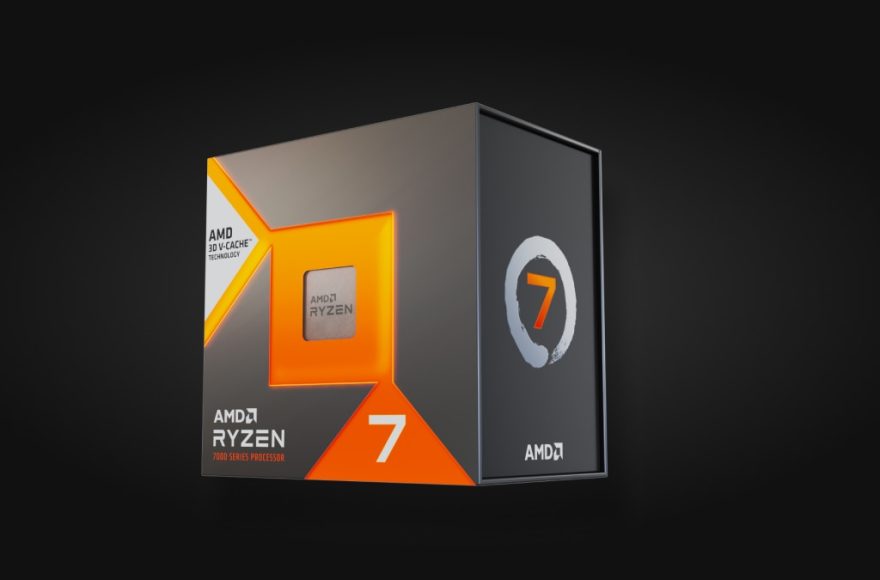
AMD has shipped X3D parts across two sockets. On AM4 there is the Ryzen 7 5800X3D, an 8-core, 16-thread part with 96 MB of L3 cache, a 3.4 GHz base clock and a 4.5 GHz boost in a 105 W envelope. On AM5 the lineup expanded to the Ryzen 7 7800X3D (8 cores, 16 threads, 4.2 GHz base, up to 5.0 GHz boost, 96 MB L3, 120 W), the 16-core Ryzen 9 7950X3D, and current-generation 9000 series parts including the Ryzen 7 9800X3D, plus the 9900X3D and 9950X3D. New for 2026 is a budget rung on the ladder: the Ryzen 7 7700X3D, a Zen 4 eight-core with the same 96 MB stacked cache at a 4.0 GHz base and 4.5 GHz boost in a 120 W envelope. Against the X3D line sits the non-X3D Ryzen 7 7700X, the usual AM5 comparison point.
X3D vs non-X3D: current US prices
To make the premium concrete, we checked US listings on Newegg on 2 November 2026. All figures below are USD, new, sold by Newegg, on that date; prices move, so treat them as a snapshot rather than a guarantee. Each price links to the exact listing we checked.
| CPU | Cache | US price (USD, Newegg, 2 Nov 2026) |
|---|---|---|
| Ryzen 7 9800X3D (8C/16T, Zen 5) | 96 MB L3 | $469.00 at Newegg |
| Ryzen 7 7800X3D (8C/16T, Zen 4) | 96 MB L3 | $389.00 at Newegg |
| Ryzen 7 7700X3D (8C/16T, Zen 4) | 96 MB L3 | $329.00 at Newegg |
| Ryzen 7 7700X (8C/16T, Zen 4) | 32 MB L3 | $239.00 at Newegg |
The shape of the market is easy to read in those four numbers. The three X3D chips run from $329 to $469, and the entry ticket to stacked cache, the 7700X3D at $329, sits $90 above the plain 7700X. The 7800X3D debuted at $449; at $389 it now sells for $60 less. AMD also sells direct through its own online store, which is worth checking for bundle deals. Whichever retailer you prefer, check the price at checkout.
What X3D does well
The strength is unambiguous. Tom’s Hardware called the 5800X3D “the fastest gaming chip” in its suite and put the win down to 3D V-Cache. TechPowerUp titled its 7800X3D review “The Best Gaming CPU.” Because games keep working sets in cache, X3D chips are less sensitive to memory speed and latency, and in the 5800X3D review Tom’s Hardware also measured the 105 W-rated part as far cooler and cheaper to cool than the competing Intel flagship it faced. If gaming is the priority, the case for X3D is strong.
Where X3D gives ground
That extra cache is not free. The 5800X3D shares the same 8 Zen 3 cores as the standard 5800X but runs a lower 3.4 GHz base and 4.5 GHz boost inside the same 105 W envelope. Tom’s Hardware noted AMD trimmed 400 MHz from the base clock and 200 MHz from the boost in exchange for the extra 64 MB of cache. Core-heavy productivity is the flip side: versus the 12-core 5900X you sacrifice cores and threads, which means losing performance in some productivity applications. The verdict there is that the higher-core, non-X3D part is the better option for productivity-first work.
7800X3D vs 7700X, and the value question
The cleanest direct comparison answers “is 3D V-Cache worth it.” Both the 7800X3D and the 7700X are 8-core, 16-thread AM5 Zen 4 parts. AMD’s verified figures put the 7800X3D at a 4.2 GHz base clock with 96 MB of L3 at 120 W, and the 7700X at a 4.5 GHz base clock with 32 MB of L3 at 105 W. At the 2 November 2026 Newegg prices above ($389.00 for the 7800X3D against $239.00 for the 7700X), the cache premium is $150. The new 7700X3D narrows the argument, because it delivers the identical 96 MB cache for $329, $90 over the 7700X, though at lower clocks than the 7800X3D. For a gaming-first build, that smaller premium buys the games. For an all-round or budget productivity build, the cheaper, higher-clocked 7700X does more for the money, and the money saved is better spent on the GPU. There is no single fixed percentage uplift to quote, because the win depends entirely on the workload.
The platform one-liner
One thing worth knowing before you research: 3D V-Cache needs no special motherboard. It is a chip feature, not a platform feature. An X3D processor drops into the same standard AM4 or AM5 boards as its non-X3D sibling of the same socket generation, so the decision is about which CPU to buy, not which board to buy.
Memory pairing and everyday use
One practical point that makes X3D easier to live with: because the huge L3 cache keeps so much of a gaming workload close to the cores, an X3D chip is less dependent on having the fastest possible system memory. A non-X3D chip leans more on memory speed and tuning to close the gap. That does not mean you should skip good memory on an X3D build, but it does mean the X3D part is a little more forgiving if your motherboard or budget limits how far you push the RAM. For everyday desktop work, browsing and productivity, both an X3D and a non-X3D Ryzen feel identical, which is exactly why the decision should rest on gaming versus core-heavy workloads rather than on general responsiveness.
Which CPU to buy
Buy the X3D when gaming is the point of the machine, because that is where the stacked cache pays for itself in the clearest measurable way, and late-2026 pricing has made that buy-in cheaper than at launch, with a sub-$330 X3D option now on the shelf. Buy the non-X3D when the build swings between productivity and gaming, or when the budget is tight, and spend what you save on a stronger GPU instead. Once the CPU decision is made, pairing it with the right graphics card matters just as much, so see our best GPU for the Ryzen 5 5600 family guide for the matching advice.