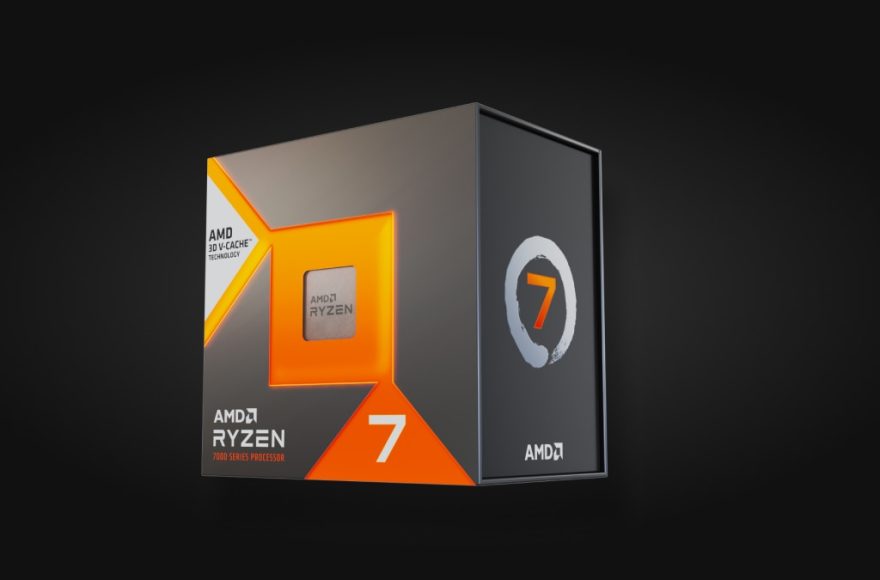
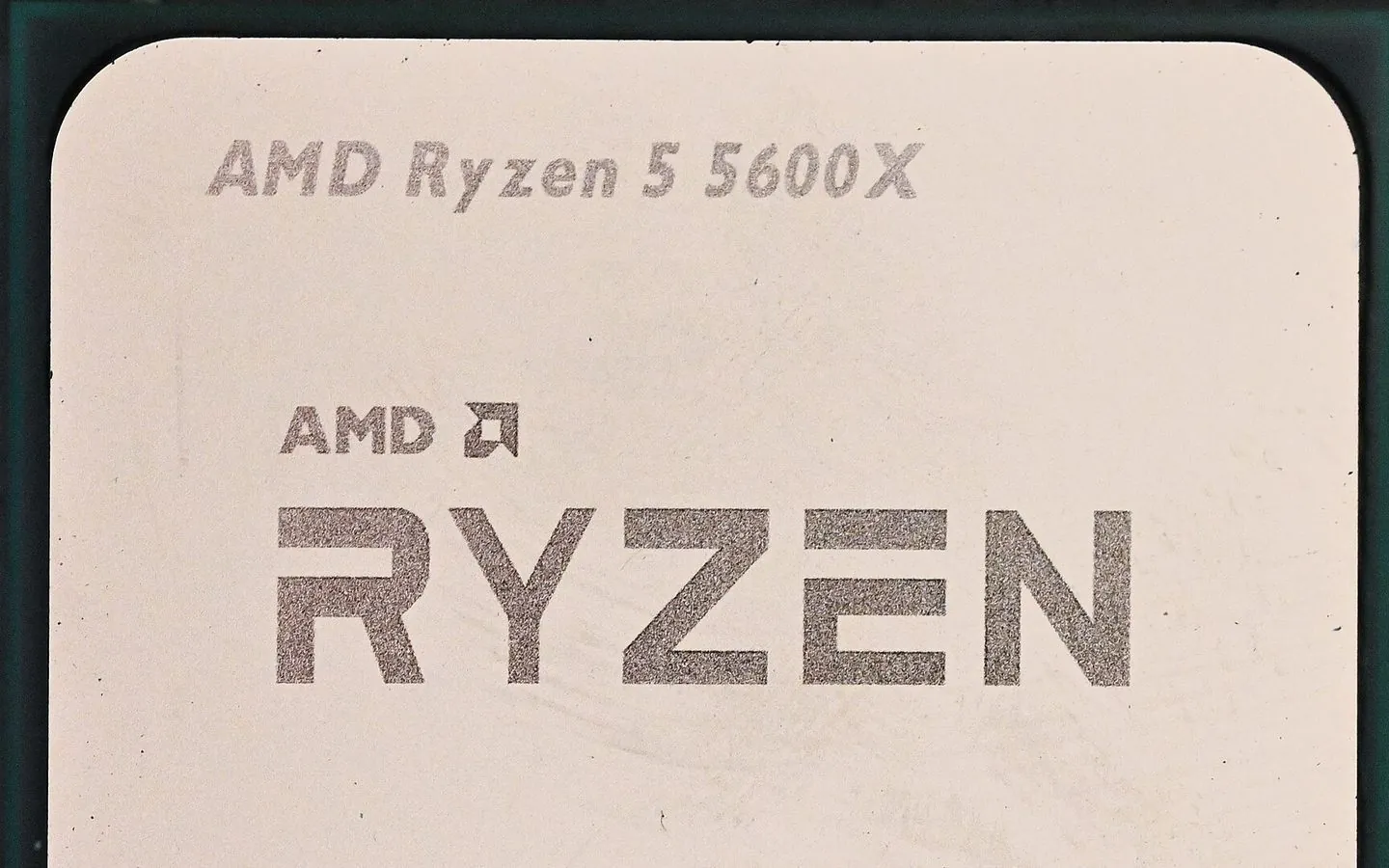
Best GPU for Ryzen 5 5600, 5600X, 5600G and Ryzen 7 5700X: the 2026 AM4 pairing guide. If you are upgrading an AM4 build around one of these four mainstream AMD Ryzen 5000 chips, the GPU is where the money should go, and the right choice depends on which of the four you actually own. All four drop into the same socket AM4 boards, but they differ in one way that changes your graphics-card options. Here is the short version, then the reasoning.
The four CPUs split into two groups. The Ryzen 5 5600 and 5600X and the Ryzen 7 5700X are Vermeer desktop parts that expose PCIe 4.0, while the Ryzen 5 5600G is a Cezanne APU that supports PCIe 3.0 only. That difference matters most at the low end of the GPU market, and it shapes every recommendation below.
What differs across these four CPUs
All four are 65 W-class, twelve-thread or sixteen-thread parts on the AM4 socket, which means nearly any AM4 motherboard can host them. The Ryzen 5 5600, 5600X and Ryzen 7 5700X (Zen 3, Vermeer) support PCIe 4.0. The Ryzen 5 5600G (Zen 3, Cezanne) is the exception: AMD lists it as PCIe 3.0, so any GPU you install on a 5600G system runs at PCIe 3.0 speeds regardless of what the card is rated for.
In practice that is rarely a penalty at 1080p and 1440p with a mainstream card. Where it bites is the ultra-low-end: budget cards that run on only four PCIe lanes, such as the RX 6500 XT and RX 6400 class, lose noticeably more performance on a PCIe 3.0 platform like the 5600G. So the advice for a 5600G build is to avoid lane-stingy entry cards and buy a normal x16 mainstream card.
Does the Ryzen 5 5600G even need a graphics card?
Before spending anything, remember what the 5600G already has on the die: its own Vega 7 graphics processor, a seven-compute-unit, 448-shader configuration wired into the same die as the CPU and sharing system memory as video memory. Per the Zen 3 family tables, the 5600G pairs its six cores and twelve threads with that Vega 7 configuration, one step below the 5700G’s Vega 8 and one above the 5300G’s Vega 6, inside a 65 W envelope at a $259 retail launch price in August 2021.
Whether that integrated GPU is enough depends on what you play, and the honest answer starts with what the hardware is and is not. The Vega architecture carries no dedicated ray-tracing hardware, which desktop GPUs only gained with later designs, and its video memory is borrowed system RAM rather than dedicated GDDR. Current AAA releases increasingly assume both of those things. What remains squarely within reach is the lighter end of the hobby: generally speaking, esports titles, MOBAs, indie games, and the pre-2018 back catalog ask far less of a GPU than modern blockbusters do. So treat your own library as the test. Launch what you already play on the iGPU first, see whether it holds the settings and frame rates you find acceptable, and buy a discrete card only if it does not. If you want current-year releases at high detail, or you are pushing past 1080p, plan on a discrete card from the start, and the rest of this guide is about choosing one that does not fight the 5600G’s PCIe 3.0 platform.
The budget trap: the RX 9050
AMD’s current entry-tier card is the RX 9050 8GB, part of the RDNA 4 RX 9000 family. In our best budget GPU guide we flag it as a card with a serious value problem: 8 GB of VRAM is the weak spot in 2026, and its performance lands close to, and sometimes behind, an RTX 5050-class baseline while sitting in the mainstream price tier. For a Ryzen 5 5600-family budget build, that card is a trap, not a bargain. The members of the RX 9000 entry tier that justify their price sit one step up.
PCIe lane width: the quiet dealbreaker on a 5600G
The four-lane warning above covers the extreme case, but there is a subtler version of the same problem. Several of the best-value cards of this generation are not full x16 cards at all: the RX 6600 and RX 7600 are electrically PCIe 4.0 x8 designs (Navi 23 and Navi 33 respectively), the Intel Arc B580 runs eight lanes, and Nvidia’s RTX 4060 and RTX 5060 are likewise eight-lane parts. Card listings say so plainly: Newegg titles for these models print “PCI Express 4.0 x8” or “PCIe 5.0 x8” right in the product name.
The arithmetic of pairing one with a 5600G is straightforward. On a PCIe 4.0 Vermeer chip, an x8 card runs at PCIe 4.0 x8, twice the raw bandwidth of the PCIe 3.0 x8 that a 5600G supplies, because the platform delivers the bus generation the card was built around. On a 5600G the same card gets half of that. How much that costs in frames depends on the game: bus bandwidth matters most when a title streams large texture sets across the link, and least in lighter scenes. As a rule of thumb, treat x8 cards on a 5600G as carrying extra exposure to texture-streaming slowdowns in the heaviest games, and favor a full-x16 design whenever the price gap is small. The penalty is specific to Cezanne’s PCIe 3.0; on a 5600, 5600X or 5700X these same cards run at the bus speed they were designed for.
Best GPUs for a budget AM4 build
For 1080p on any of the four CPUs, the value sweet spot is the RX 6600 or RX 7600 class on the AMD side and the RTX 4060 or RTX 5060 class on the Nvidia side. These are 8 GB cards from the RX 6000 series, the RX 7000 series, the GeForce RTX 40 series and the GeForce RTX 50 series, and they comfortably outrun what a PCIe 4.0 Ryzen 5000 CPU can bottle up at this resolution. They are genuinely different from the RX 9050: they deliver the frame rates a 65 W budget CPU can feed without paying for a premium tier.
If you want more headroom, the sensible step up is the RX 9060 (8 GB) or the RX 9060 XT (8 GB or 16 GB), the RDNA 4 mainstream cards. On a 5600G remember the PCIe 3.0 caveat holds, but a normal x16 card at this tier still performs well.
The table narrows the field for a 5600G specifically. Each price is USD, read the same day (2 November 2026) from the exact US Newegg product page linked beside it, taken from that page’s current new-condition offer and labeled with the selling party where a marketplace seller sets the price. Read the bus column before the price column: it is the variable that behaves differently on this chip than on a 5600, 5600X or 5700X. Budget-card pricing on Newegg was unusually volatile at check time, so treat the two inflated asks below as reasons to pause, not as market rates to expect. The last column divides the price by the card’s memory, to show what each gigabyte of VRAM costs at that price.
| Card | US price, checked Nov 2, 2026 | Price per GB of VRAM | Bus width | Fit on a 5600G build |
|---|---|---|---|---|
| Radeon RX 6600 8GB (MSI MECH 2X) | $549.00, new, marketplace seller (Alliance Group USA) | $68.63 | PCIe 4.0 x8 | The classic budget pick, but the current new ask erases its usual value case; verify live pricing before buying |
| Radeon RX 7600 8GB (ASUS Dual EVO) | $859.00, new, marketplace seller (Alliance Group USA) | $107.38 | PCIe 4.0 x8 | Priced far out of contention at check time; not a buy at this ask |
| GeForce RTX 5060 8GB (MSI Shadow 2X OC) | $499.99, new, sold by Newegg | $62.50 | PCIe 5.0 x8 | Nvidia feature set including DLSS; still an eight-lane card |
| Arc B580 12GB (ASRock Challenger) | $329.99, new, sold by Newegg | $27.50 | PCIe 4.0 x8 | Sharp price, weakest structural fit here: x8 on PCIe 3.0 halves the bus bandwidth it was designed around |
| Radeon RX 9060 XT 8GB (Gigabyte Gaming OC) | $459.99, new, sold by Newegg | $57.50 | PCIe 5.0 x16 | Cheapest card in this table that keeps all sixteen lanes active on a 5600G (at PCIe 3.0 speeds) |
| Radeon RX 9060 XT 16GB (XFX Swift) | $689.99, new, sold by XFX Official Store, shipped by Newegg | $43.12 | PCIe 5.0 x16 | The 1440p-grade pick: full width plus the 16 GB headroom this guide recommends for 1440p |
Two conclusions fall out of that table. First, the Arc B580, our value pick among budget cards on modern boards in the best budget GPU guide, is the odd one out on a 5600G: eight lanes on a PCIe 3.0 platform cut the bus bandwidth the card was designed around in half, so the 12 GB advantage buys less than usual here. Second, the RX 9060 XT avoids the lane-width problem outright, because its x16 link stays fully populated even at PCIe 3.0 speeds. If neither suits, the standing best budget GPU roundup keeps a wider shortlist updated.
1440p and VRAM in 2026
Stepping to 1440p changes the calculus. Modern games with ray tracing and high-resolution texture packs can push past 8 GB of VRAM, which is exactly why our RX 9050 review called its 8 GB allowance the weak point. For a 1440p AM4 build the safer pick is a 16 GB card, most directly the RX 9060 XT 16 GB, so texture-heavy titles are not forced onto swap. An 8 GB mainstream card at 1440p is a real compromise, not a small one.
Power supply and build notes
All four CPUs sit at 65 W, so the system draw is modest. Paired with a mainstream or midrange GPU, a quality 550 to 650 W unit from a reputable brand is the comfortable recommendation. Always double-check the specific card’s recommended power-supply figure before you commit, because the GPU, not the CPU, drives the requirement here.
Why the AM4 socket still makes sense in 2026
One reason these four CPUs remain popular is that upgrading them is cheap. A 5600G, 5600, 5600X or 5700X slots into existing AM4 boards from the B450, B550, X470 and X570 generations, so a GPU upgrade is often the difference between an old machine feeling slow and feeling current. Versus moving to a new platform, keeping the motherboard and dropping in a mainstream RDNA 2 or RDNA 4 card, or an RTX 40 or 50 series card, delivers most of the gaming benefit for a fraction of the total cost. The tradeoff is that AM4 is an older socket. AMD still adds chips to it, such as the Ryzen 5 5500F launched in September 2026, but they are Zen 3 parts, so future CPU upgrades on the same board are limited. If you plan to keep the board for years, spend on the GPU now and treat the platform as the terminal point for this build.
The short answer
Pick a GPU by what you play and own. On a 5600, 5600X or 5700X with a 1080p display, an RX 6600 or 7600 series card, or an RTX 4060 or 5060 series card, is the best fit for the money. On a 5600G, start by testing whether the built-in Vega 7 graphics already cover your game library; if they do not, favor full-x16 cards such as the RX 9060 XT, and read the x8 budget cards’ fine print, because they surrender more bus bandwidth on this chip than on a 5600, 5600X or 5700X. If your display is 1440p, move to 16 GB cards such as the RX 9060 XT 16 GB. Skip the RX 9050 entirely.
This guide is updated as GPU lineups move, so the exact models and prices will drift. The decision framework, PCIe 4.0 versus 3.0 and the 8 GB versus 16 GB VRAM question, stays the same. For more context on how chips fit into a complete build, see our explainer on X3D versus non-X3D Ryzen processors, and our look at whether on-device AI hardware like an NPU is worth paying for.