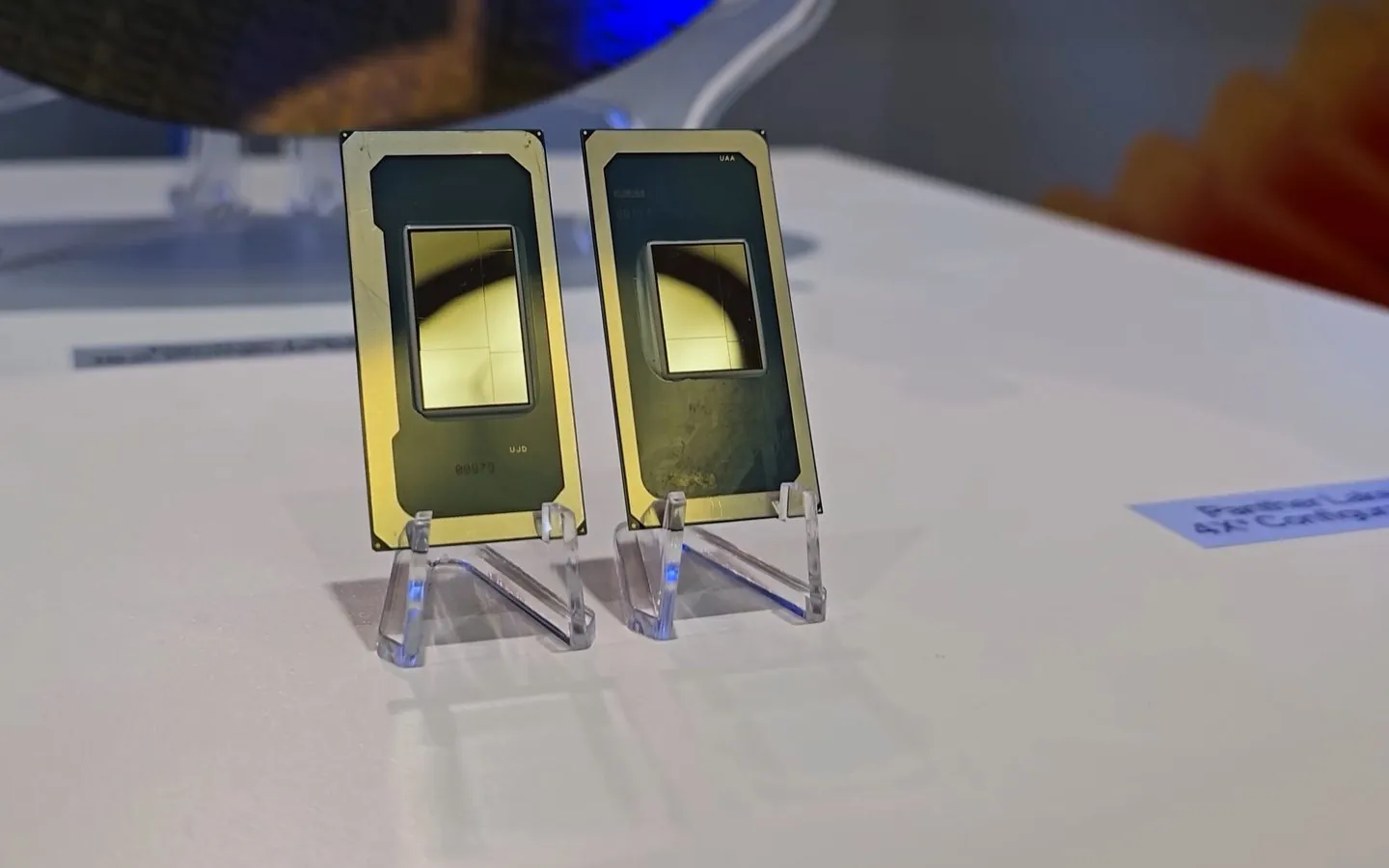
Intel’s Core Ultra Series 3 laptop processors, code-named Panther Lake, come in 15 models on Intel’s Series 3 product listing. The real differences between them sit in the graphics. Four models carry the 12-Xe-core Arc B390, one carries the 10-Xe-core Arc B370, and the other ten use Intel Graphics with four or two Xe cores. The NPU barely moves: every model is rated between 46 and 50 TOPS. Intel also sells non-Ultra Core processors (Series 3), code-named Wildcat Lake, such as the Core 5 320, whose spec page lists a 16 TOPS NPU; they are not in this table.
So the choice is simpler than the model numbers suggest. For gaming without a discrete GPU, pick the graphics tier first. For local AI, memory capacity and the GPU matter more than the NPU rating. PCWorld’s launch report describes the same three main layouts behind the lineup: an 8-core chip with 4 Xe cores, a 16-core chip with 4 Xe cores, and a 16-core chip with 12 Xe cores. The table also includes 12-core and 6-core models that fit none of these three exactly.
Every Panther Lake model, from Intel’s spec pages
Each model name links to its Intel specification page, which is the source for every figure in its row. Cores are written as performance, efficient and low-power efficient cores. GPU and NPU TOPS are Intel’s peak INT8 ratings. Power is processor base power and maximum turbo power.
| Model | Cores (P+E+LP E) | Max turbo | Graphics (Xe cores) | GPU TOPS | NPU TOPS | Power | Max memory | vPro |
|---|---|---|---|---|---|---|---|---|
| Core Ultra X9 388H | 16 (4+8+4) | 5.1 GHz | Arc B390 (12) | 122 | 50 | 25 W / 80 W | 96 GB | Yes |
| Core Ultra X9 378H | 16 (4+8+4) | 5.0 GHz | Arc B390 (12) | 122 | 50 | 25 W / 80 W | 96 GB | No |
| Core Ultra X7 368H | 16 (4+8+4) | 5.0 GHz | Arc B390 (12) | 122 | 50 | 25 W / 80 W | 96 GB | Yes |
| Core Ultra X7 358H | 16 (4+8+4) | 4.8 GHz | Arc B390 (12) | 122 | 50 | 25 W / 80 W | 96 GB | No |
| Core Ultra 5 338H | 12 (4+4+4) | 4.7 GHz | Arc B370 (10) | 98 | 47 | 25 W / 65 W | 96 GB | Yes |
| Core Ultra 9 386H | 16 (4+8+4) | 4.9 GHz | Intel Graphics (4) | 40 | 50 | 25 W / 80 W | 128 GB | Yes |
| Core Ultra 7 366H | 16 (4+8+4) | 4.8 GHz | Intel Graphics (4) | 40 | 50 | 25 W / 80 W | 128 GB | Yes |
| Core Ultra 7 356H | 16 (4+8+4) | 4.7 GHz | Intel Graphics (4) | 40 | 50 | 25 W / 80 W | 128 GB | No |
| Core Ultra 5 336H | 12 (4+4+4) | 4.6 GHz | Intel Graphics (4) | 37 | 47 | 25 W / 65 W | 128 GB | Yes |
| Core Ultra 7 365 | 8 (4+0+4) | 4.8 GHz | Intel Graphics (4) | 40 | 49 | 25 W / 55 W | 128 GB | Yes |
| Core Ultra 7 355 | 8 (4+0+4) | 4.7 GHz | Intel Graphics (4) | 40 | 49 | 25 W / 55 W | 128 GB | No |
| Core Ultra 5 335 | 8 (4+0+4) | 4.6 GHz | Intel Graphics (4) | 40 | 47 | 25 W / 55 W | 128 GB | Yes |
| Core Ultra 5 325 | 8 (4+0+4) | 4.5 GHz | Intel Graphics (4) | 40 | 47 | 25 W / 55 W | 128 GB | No |
| Core Ultra 5 332 | 6 (2+0+4) | 4.4 GHz | Intel Graphics (2) | 18 | 46 | 25 W / 55 W | 128 GB | Yes |
| Core Ultra 5 322 | 6 (2+0+4) | 4.4 GHz | Intel Graphics (2) | 18 | 46 | 25 W / 55 W | 128 GB | No |
Two details in the table change what you actually get. First, the 96 GB ceiling on the Arc B390 and B370 models comes with LPDDR5X only, while the Intel Graphics models also list DDR5 and reach 128 GB only with it. Intel’s quick reference guide gives those chips 96 GB with LPDDR5X, the memory most thin laptops use. Second, Intel’s spec pages say the Arc name applies to H-series systems only when they have at least 16GB of system memory in a dual-channel configuration. Other configurations are sold as Intel Graphics, so check the memory on the exact laptop you buy.
The X9 378H was added after launch: Notebookcheck reported it as new in April 2026, although Intel’s listing gives it the same Q1’26 launch date as the other models. It is missing from Intel’s original Series 3 quick reference guide (version 1), which lists 14 models. Its spec page matches the X7 368H on cores, clocks and graphics, but it lists no vPro eligibility. Notebookcheck’s report on the 378H describes it the same way: a consumer version of the 368H without the business management features.
Which chip to pick
This chooser follows from the table. It ranks hardware on paper; the laptop’s cooling, power settings and memory decide how close a given machine gets to it.
| If your priority is | Pick | Why, from the specs |
|---|---|---|
| Gaming without a discrete GPU | The cheapest laptop with an X7 358H, X7 368H, X9 378H or X9 388H | All four list the same Arc B390: 12 Xe cores, 2.5 GHz and 122 GPU TOPS. Their GPU specs are identical, so the extra money for an X9 buys CPU clock speed, not graphics. |
| Some gaming on a smaller budget | Core Ultra 5 338H | The only Arc B370 model: 10 Xe cores and 98 GPU TOPS, about 80% of the B390’s rating, with 12 CPU cores. |
| Local AI on the GPU | An Arc B390 model with as much memory as you can buy, up to 96 GB | The B390’s 122 GPU TOPS is more than double the 50 TOPS of the best NPU in the range. Model size is limited by memory, not TOPS. |
| Local AI that needs more than 96 GB | Core Ultra 9 386H, 7 366H or 7 356H | These 16-core chips list up to 128 GB of DDR5, at the cost of a 4-Xe-core GPU rated at 40 TOPS. |
| AI features such as Windows Studio Effects | Any model | Every spec page lists Windows Studio Effects support and an NPU rated at 46 to 50 TOPS. |
| Battery life and a thin laptop | Core Ultra 7 365 or 355, Core Ultra 5 335 or 325 | These 8-core chips list a 55 W maximum turbo power against 80 W for the 16-core H models. Intel’s launch release gives a battery figure only for the X9 388H, not for these chips, so treat this as a hint, not a measurement. |
| Office work on the lowest budget | Core Ultra 5 332 or 322 | Six cores and a 2-Xe-core GPU rated at 18 TOPS, the smallest graphics in the range. |
On the X9 question, the spec gap is small. The X9 388H tops out at 5.1 GHz and the X7 358H at 4.8 GHz, a 0.3 GHz or roughly 6% higher peak turbo. Both list the same 16 cores, the same Arc B390 and the same 50 TOPS NPU. Unless you need vPro, pay extra for an X9 only when the price gap over a comparable X7 laptop is small.
If you mostly play current games at high settings, a laptop with a discrete GPU remains the safer buy. No Panther Lake spec page lists dedicated graphics memory; Intel lists only system memory, and ties the Arc name to how that memory is fitted.
What NPU TOPS mean for local AI
TOPS is a peak figure, not a speed you will see in an app. Intel’s quick reference guide describes peak TOPS for its NPU and GPU as a calculated value based on assumptions such as maximum frequency and data type. The spec pages give both ratings for INT8 data. Intel’s Panther Lake infographic gives a headline of up to 180 platform TOPS for AI workloads, a combined figure for the platform rather than one engine. Lunar Lake spec pages list an overall figure (120 TOPS for the 288V); Panther Lake spec pages give no per-model platform figure, so the tables show the NPU and GPU ratings separately.
Every spec page lists Windows Studio Effects support under its NPU specifications, which is the kind of always-on camera feature an NPU is meant for. Intel lists OpenVINO, Windows ML, WebNN and ONNX Runtime as the NPU’s supported frameworks. The GPU list adds DirectML and WebGPU. An app can only use the NPU through software that supports it, so check the app before you pay for a TOPS figure.
For running a language model locally, memory decides more than TOPS. The model’s weights have to fit in the laptop’s RAM next to Windows and your other apps. Our Local AI Hardware Fit calculator estimates whether a model fits; choose the custom memory profile and enter the laptop’s RAM. Our guide to NPU vs GPU vs CPU explains which engine suits which kind of AI work.
How Panther Lake compares with the previous generation
Intel’s laptop CPU and gaming claims use the Lunar Lake Core Ultra 9 288V as the baseline. The table adds the Arrow Lake Core Ultra 9 285H, an earlier 16-core H-series chip, and compares both with the X9 388H using Intel’s spec pages.
| Model | Cores | Max turbo | Graphics (Xe cores) | GPU TOPS | NPU TOPS | Base power | Max memory |
|---|---|---|---|---|---|---|---|
| Core Ultra X9 388H (Panther Lake) | 16 | 5.1 GHz | Arc B390 (12) | 122 | 50 | 25 W | 96 GB |
| Core Ultra 9 288V (Lunar Lake) | 8 | 5.1 GHz | Arc 140V (8) | 67 | 48 | 30 W | 32 GB |
| Core Ultra 9 285H (Arrow Lake) | 16 | 5.4 GHz | Arc 140T (8) | 77 | 13 | 45 W | 128 GB |
On paper, the B390’s 122 GPU TOPS is about 82% above the 288V’s 67 and about 58% above the 285H’s 77. The NPU is nearly four times the 285H’s 13 TOPS but only slightly ahead of the 288V’s 48. The 288V tops out at 32 GB of memory, and the 388H lists three times that, which matters more for local models than any TOPS figure.
Intel’s measured claims, in its CES 2026 launch announcement, Intel’s multithread and gaming claims compare the X9 388H with the 288V. Intel claims up to 60% better multithread performance in Cinebench 2024 at 25W, and up to 77% better gaming performance averaged over 45 games at 1080p High with 2x upscaling where supported. Separately, with no comparison chip, it quotes as much as 27.1 hours of Netflix streaming in a Lenovo IdeaPad reference design, and notes that results vary significantly with battery capacity and use. These are vendor figures from reference systems, not independent tests.
When the laptops arrived
Intel said pre-orders for the first consumer Series 3 laptops would open on 6 January 2026, with systems available globally from 27 January 2026 and more designs through the first half of the year. The same announcement says Series 3 powers over 200 PC designs. Intel’s spec pages list every model in the table as launched. Prices depend on the whole laptop, so compare complete configurations, including memory, rather than the processor name alone.